A TCI App
Survey Walker
Plan a structured cabling job from floor plan to bill of materials. Drop in the building, place your devices, draw the runs, and generate the takeoff — all in one place.

macOS and Windows
Start from any floor plan
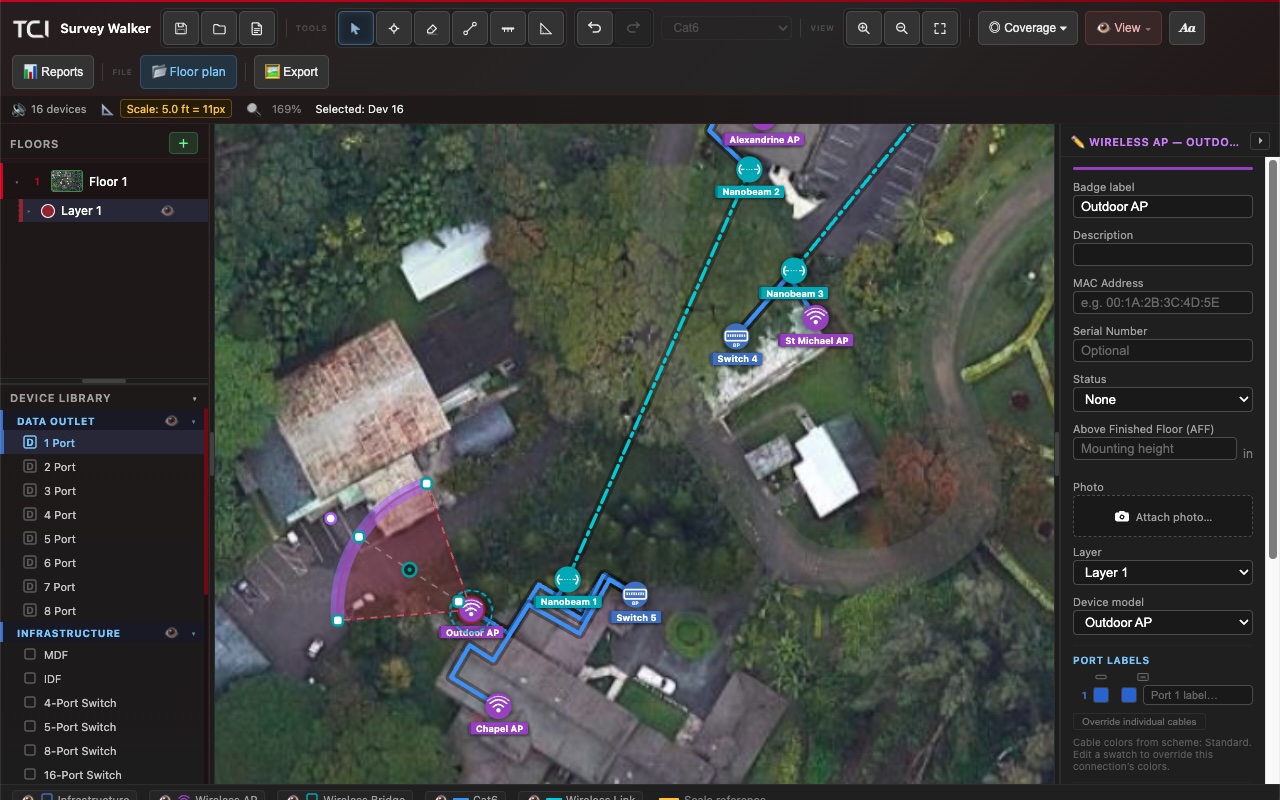
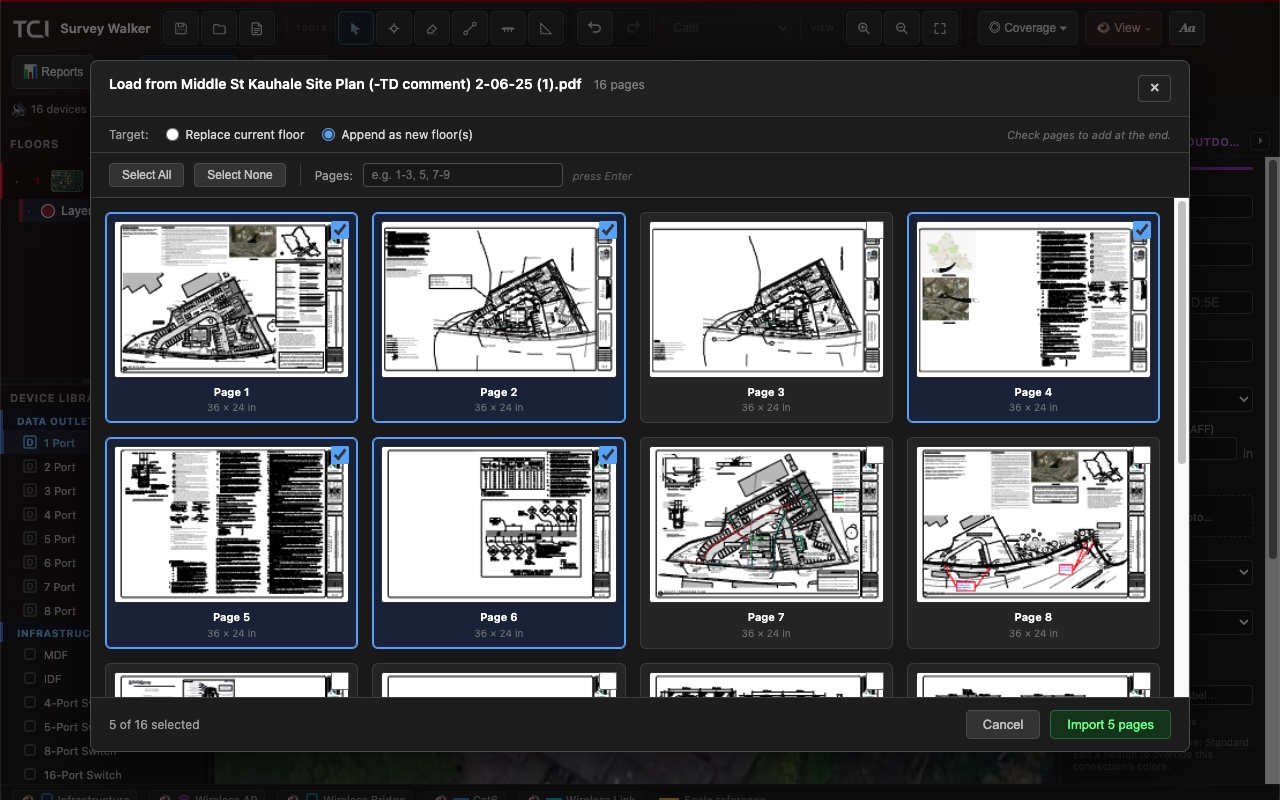
Drop in an aerial image, or pull pages straight from a multi-page PDF site plan and append each one as its own floor. You are laying out the real building in seconds instead of redrawing it.
Every report the job needs
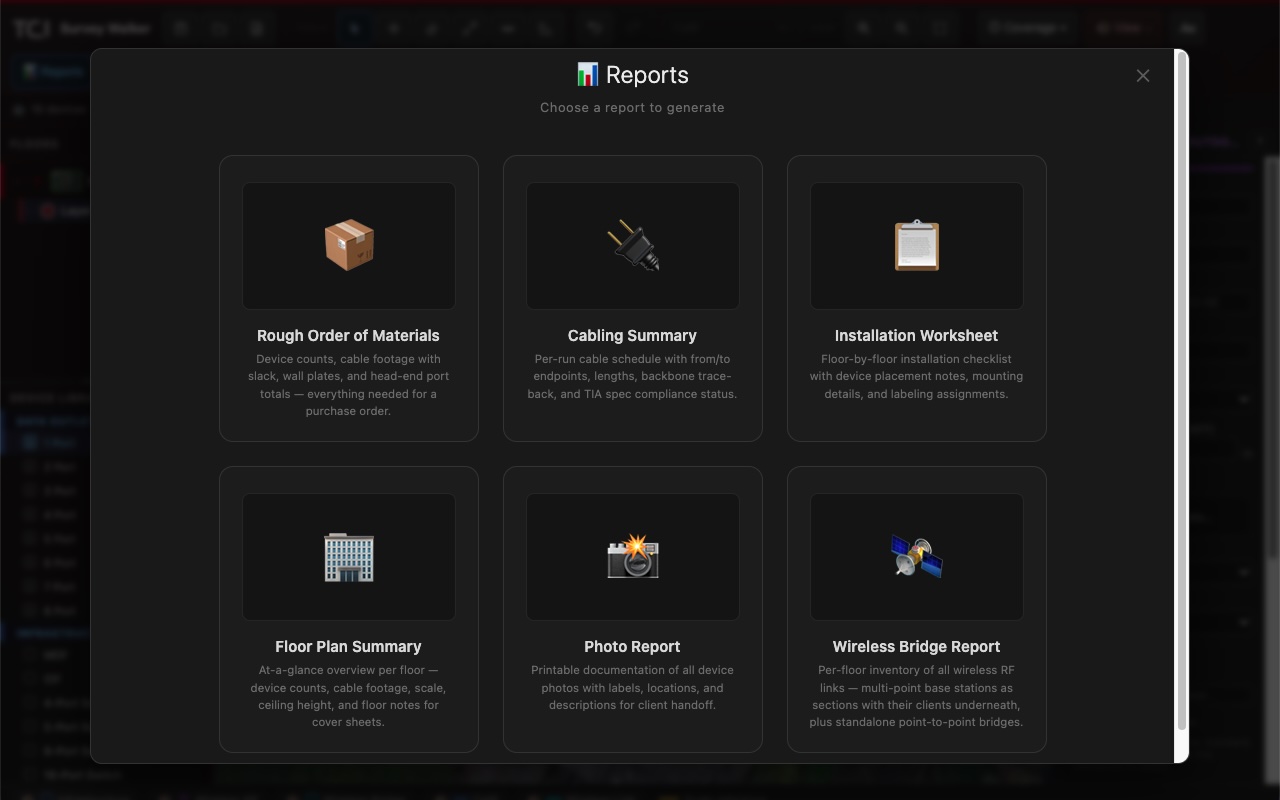
Generate a Rough Order of Materials for purchasing, a Cabling Summary for the run schedule, Installation Worksheets for the crew, plus floor plan, photo, and wireless bridge reports — all from the same project.
Installation-ready takeoffs
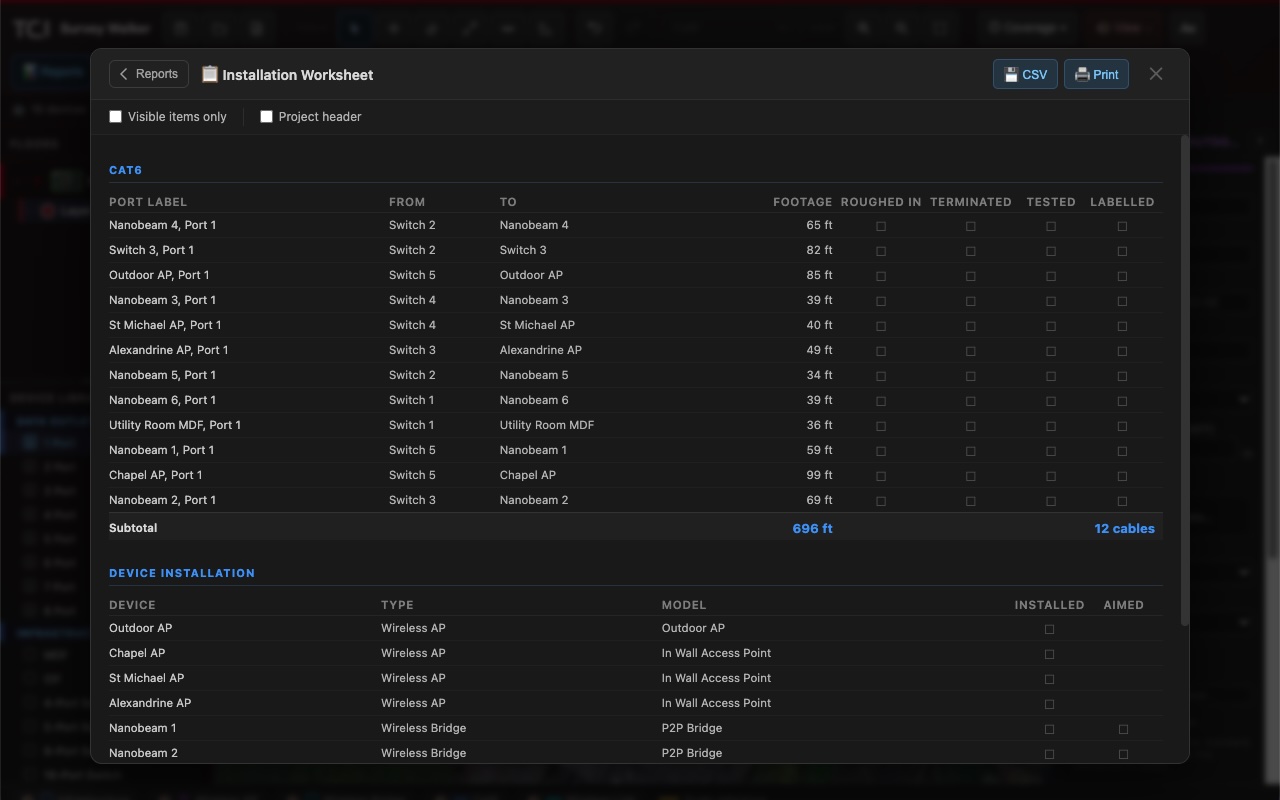
Every run laid out with its endpoints, length, and footage totals, with check-off columns for roughed-in, terminated, tested, and labelled. Print it for the field or export to CSV.
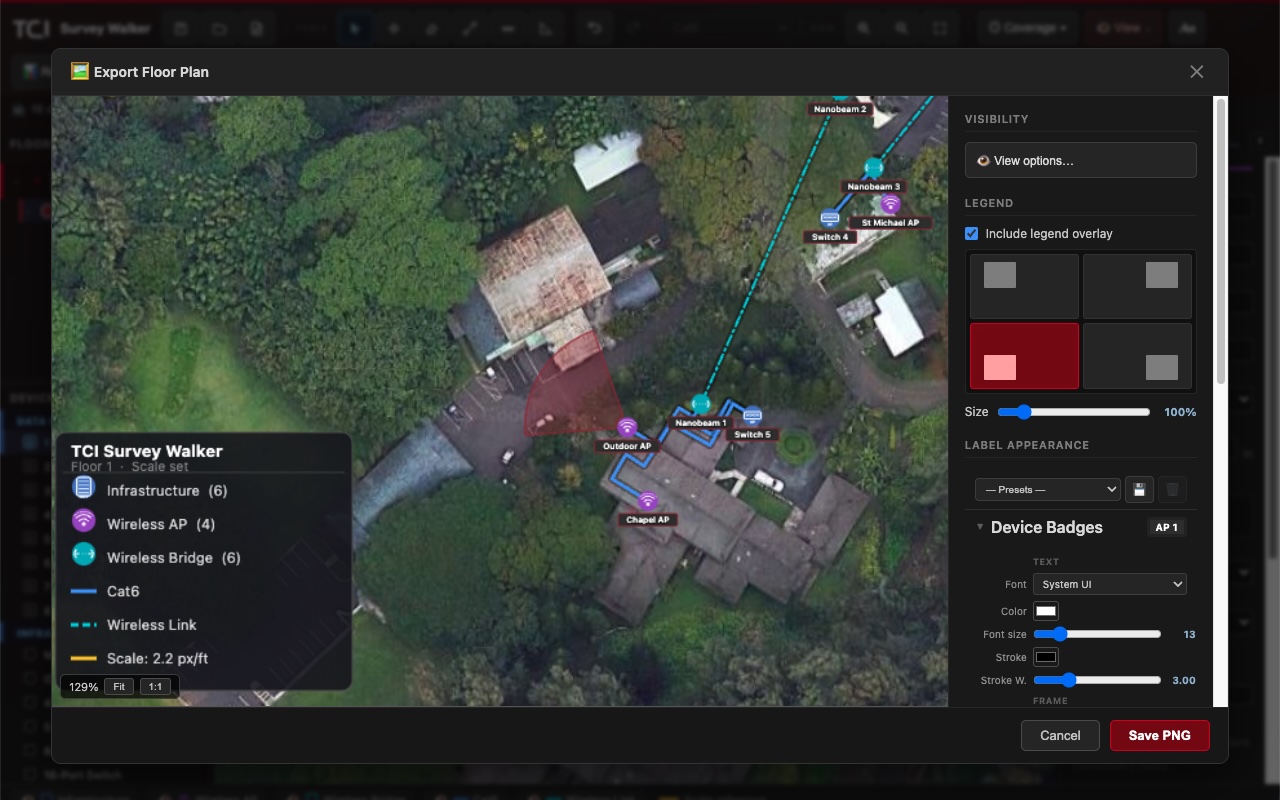
Export clean, branded plans
Hand the client a polished floor plan with a legend overlay, tuned label styling, and your own branding — exported as a high-resolution PNG ready to drop into a proposal.
And everything else a survey needs
Wi-Fi coverage layers
Multi-floor projects
Built-in device library
Wireless & point-to-point
Ready to lay out your next job?
Survey Walker is available now on macOS and Windows. Questions before you start? Visit Support.